

Balloon Pop
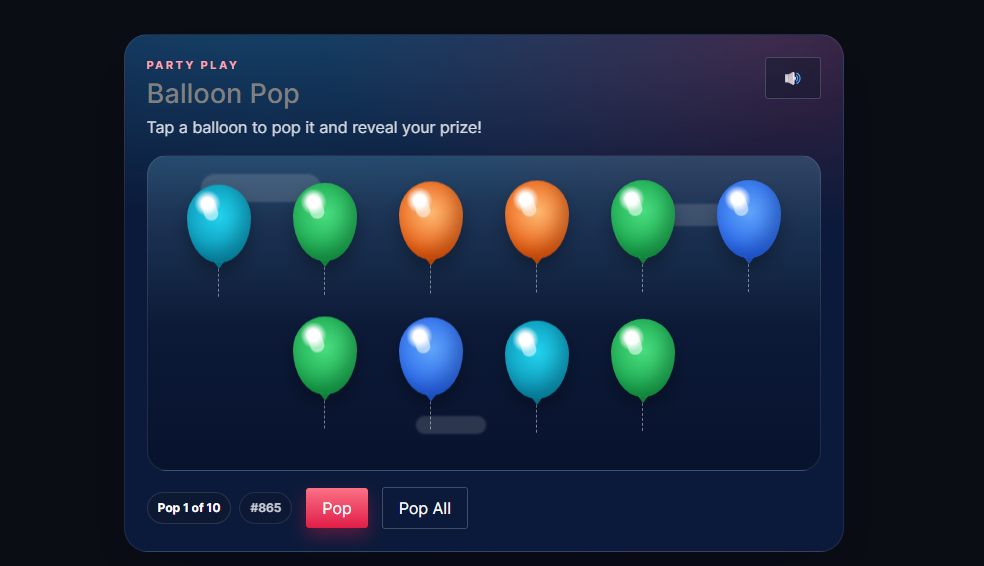
Balloon Pop lets customers pop balloons on the thank-you page to reveal instant prizes. Each ticket is a balloon — tap it, and a prize icon means a win. It’s one of the Giveaway Lottery instant-win mini-games.
Requires: WooCommerce and the free Giveaway Lottery plugin (Pro for auto-generated numbers and full prize delivery). See Instant Win Games — Shared Setup for the complete setup process; this page covers what’s unique to Balloon Pop.
The Game
- Each purchased ticket is one balloon.
- The customer taps to pop it (or uses Pop All).
- Win: the balloon reveals a prize icon.
- Miss: the balloon pops empty.
Where to Configure It
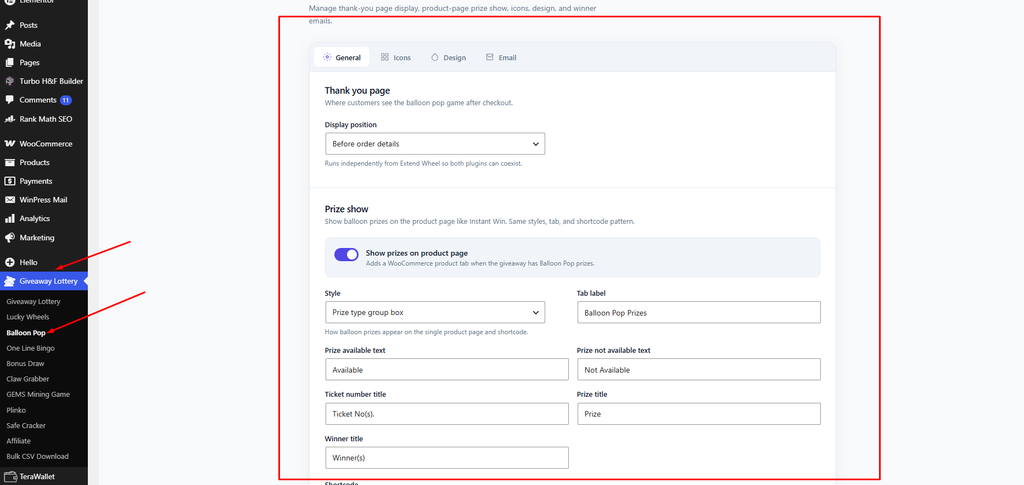
- Global settings: Giveaway Lottery → Balloon Pop
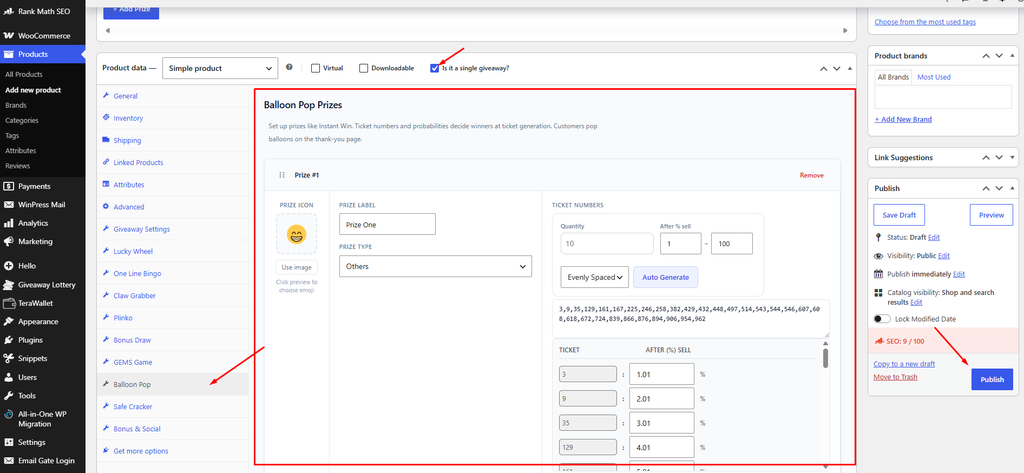
- Per-product prizes: the Balloon Pop tab on the product
Balloon-Specific Settings
- Balloon game icons (Icons tab) — icons shown for missed pops.
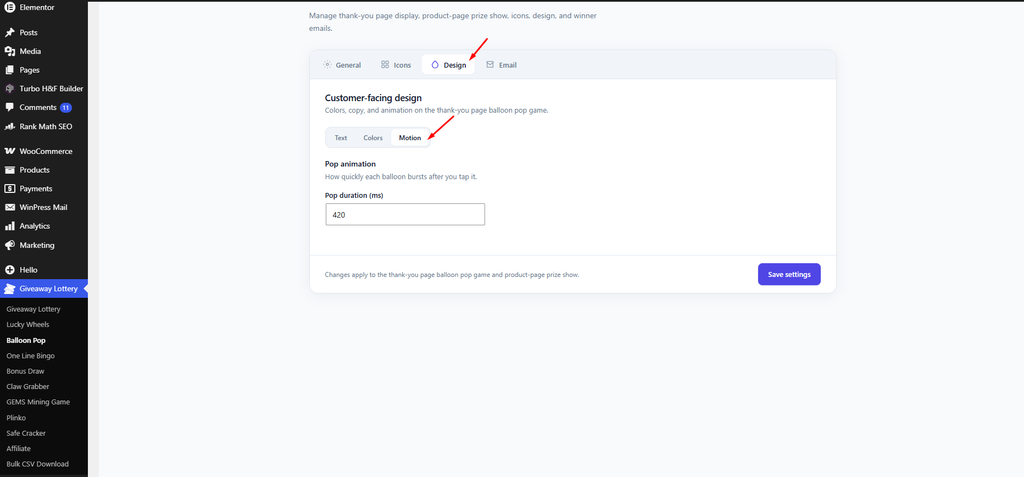
- Sky / balloon colors (Design → Colors) — sky background, winning balloon border/glow, balloon highlight, and more.
- Pop duration (ms) (Design → Motion) — the pop animation speed (default 420).
- Inside Instant Win toggle: “Enable Balloon Pop inside Instant Win”.
Shortcode
Show the prize list on any page:
(Alias: [gebp_balloon_prize_show]. Accepts an optional product_id.)
Pro tip: Balloon Pop is the most lightweight and mobile-friendly of the games — a great default when most of your buyers check out on their phones.