

One Line Bingo
One Line Bingo turns the thank-you page into a row-by-row bingo reveal. Each ticket the customer bought becomes a row of spinning balls — click a row (or reveal them all) and matching prize icons mean a win. It’s one of the Giveaway Lottery instant-win mini-games.
Requires: WooCommerce and the free Giveaway Lottery plugin (Pro for auto-generated numbers and full prize delivery). See Instant Win Games — Shared Setup for the complete setup process; this page covers what’s unique to Bingo.
The Game
- Each purchased ticket shows as a row of balls on the thank-you page.
- The customer clicks a row (or uses Reveal All) to spin the balls.
- Win: the row lands on 5 matching prize icons.
- Loss: the row shows decorative icons plus a number ball.
Where to Configure It
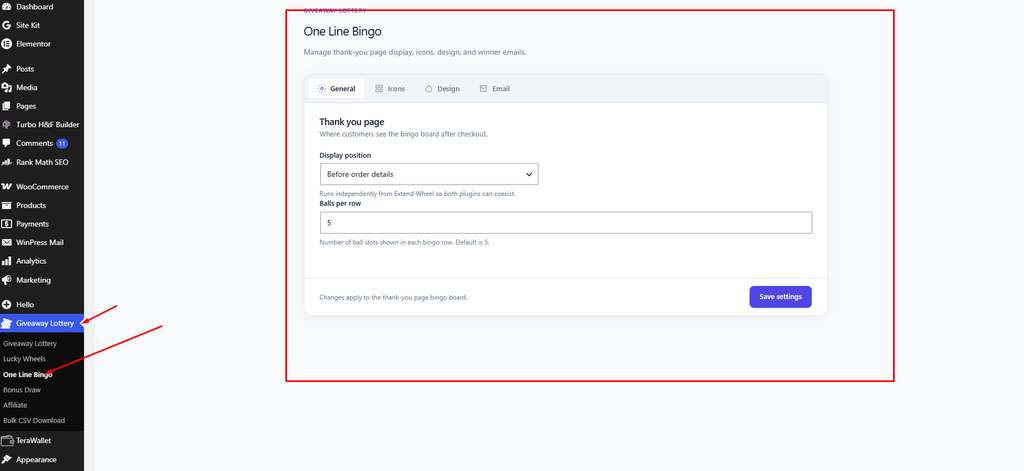
- Global settings: Giveaway Lottery → One Line Bingo
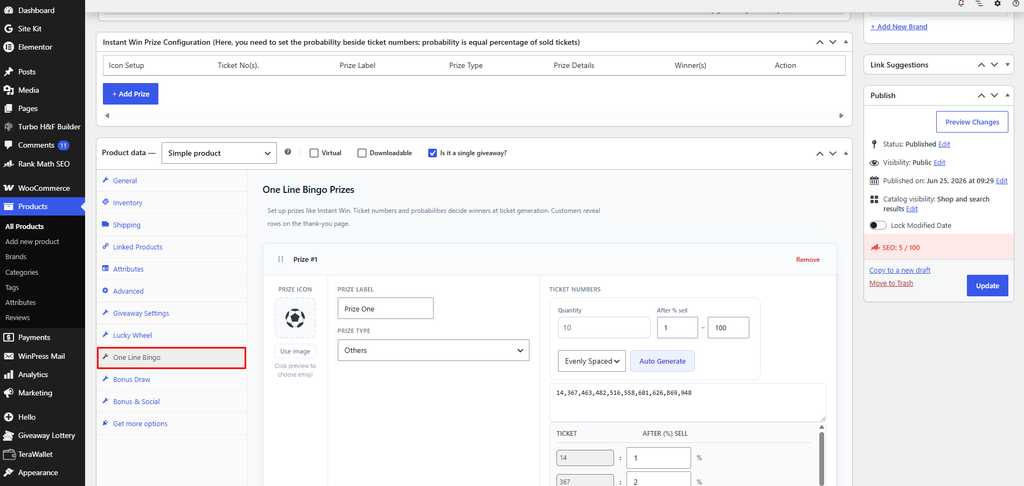
- Per-product prizes: the One Line Bingo tab on the product
OR
Bingo-Specific Settings
- Balls per row (General tab) — how many balls appear in each row, 2–12 (default 5).
- Bingo game icons (Icons tab) — the decorative icons for non-winning reveals (defaults: 🌈 🎸 🎰 🎈).
- Ball roll animation (Design → Motion) — min/max roll steps, gap between balls, and start/end delays.
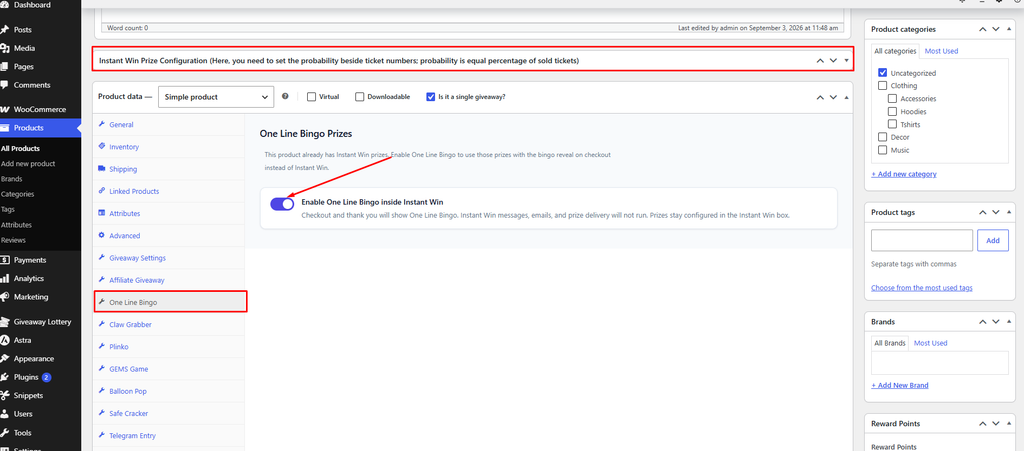
- Inside Instant Win toggle: “Enable One Line Bingo inside Instant Win”.
Shortcode
Show the prize list on any page:
[geb_bingo_prizes](Alias: [geb_bingo_prize_show]. Accepts an optional product_id.)
Pro tip: A wider row (more balls per row) makes the reveal feel more suspenseful, but keep it readable on mobile — 5 balls is a good default.